
Your Intellectual Assets: Prompt Library
You craft a perfect prompt. It solves a complex coding problem or writes a beautiful email. Do you throw it away? No. You save it.
The Prompt Vault
This is your personal repository of genius.
1. Capture
When you write something great, click the Prompt Manager icon (floating near the input box). It’s now part of your vault.
2. Categorize
Add tags like #coding, #email, or #research. Keep your tools sharpened and sorted.
3. Deploy
Next time you need it, don't type it again. Open the manager, search by tag or keyword, and click to insert. One click. Infinite leverage.
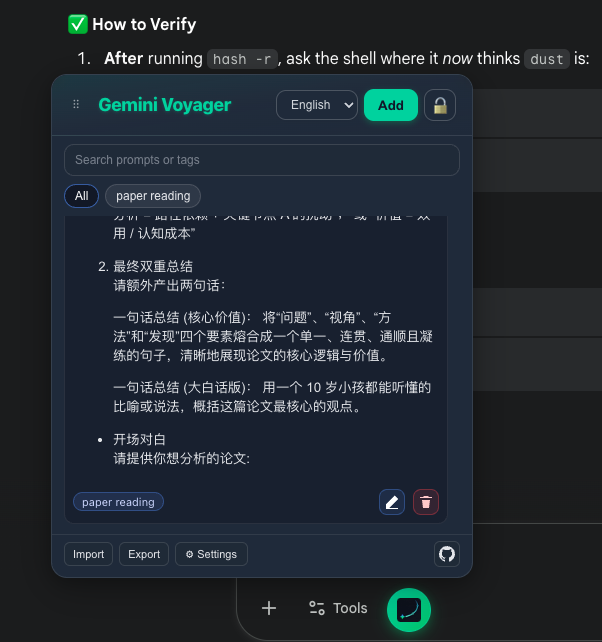
Compact list & notes
When prompts pile up and the card list no longer fits, the panel adapts:
View toggle
The ≡ / ▦ button on the right of the search bar switches between Compact list (default) and Comfortable view.
- Compact list: one prompt per row, ~10 visible at once; the right side shows tags · expand · edit · delete
- Comfortable view: full Markdown preview, best for a small collection
Optional name label
The Name (optional) field at the top of the add/edit form lets you give a prompt a short title. In compact view this overrides the auto-extracted first line; leave blank to keep the previous behavior.
Fast hover preview
In compact mode, hover any row for ~250 ms to see its full content in a floating tooltip — replaces the browser's native title tooltip (which can take 1–3 s to open).
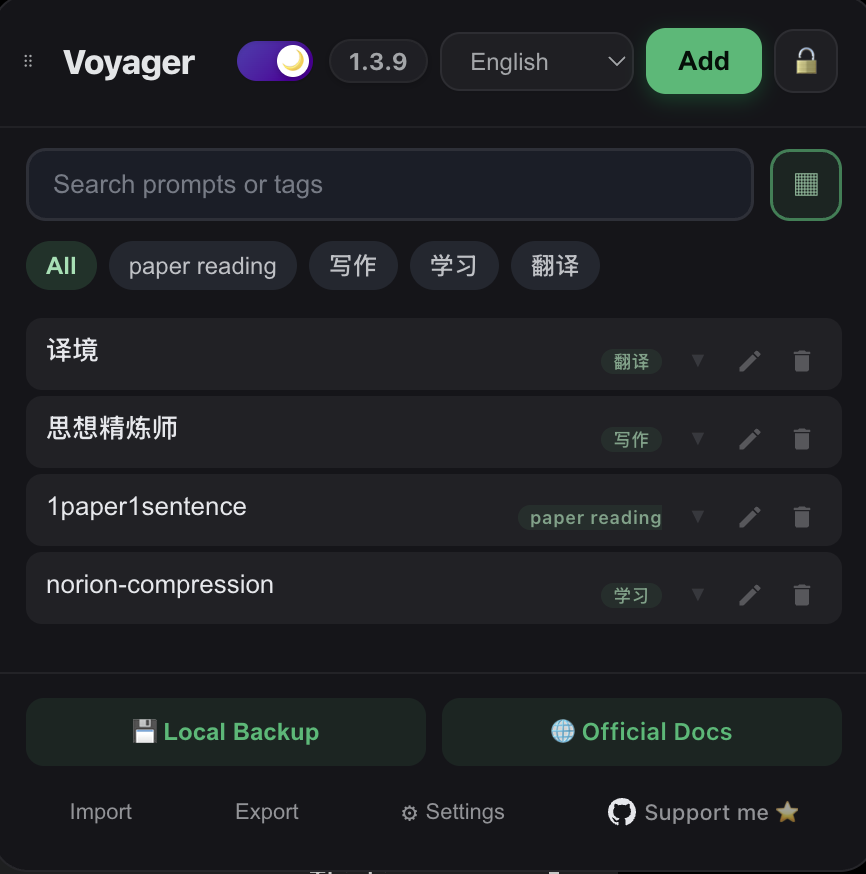
Available Anywhere
The Prompt Manager can now be used on any website you choose, not just Gemini™ and AI Studio.
How to Enable
- Click the Voyager icon in your browser's extension toolbar.
- Scroll to the Prompt Manager section.
- Enter the website URL (e.g.,
chatgpt.comorclaude.ai). - Click Add website and grant permission.
- Reload the target page to see the floating button.
Popular AI Websites
chatgpt.com- ChatGPTclaude.ai- Claudecopilot.microsoft.com- Microsoft Copilotpoe.com- Poe
TIP
On custom websites, only the Prompt Manager feature is activated. Other features like Timeline and Folders are designed specifically for Gemini and will not load.