
Time Travel
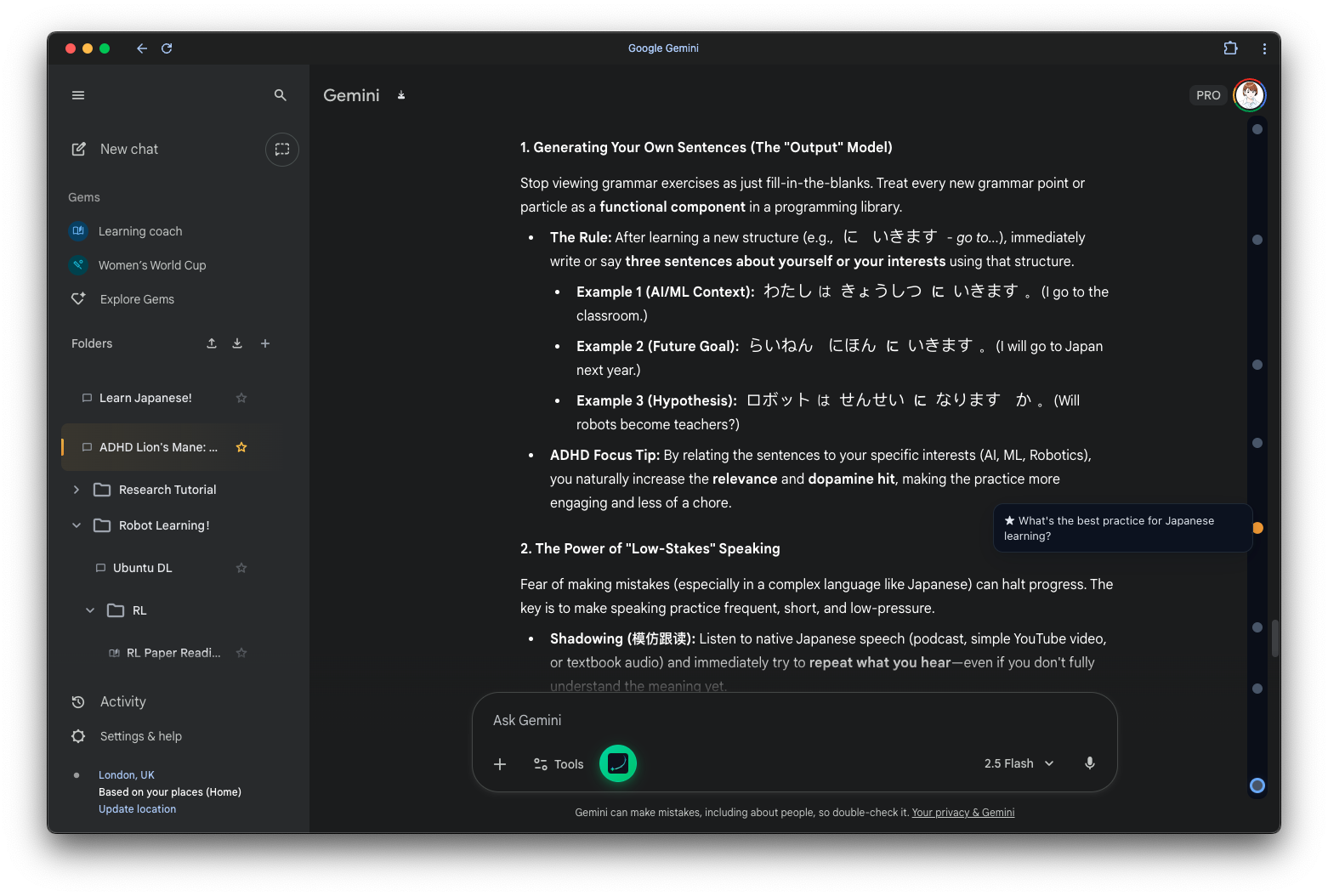
Long conversations are messy. You scroll up, you scroll down, you lose your place. Voyager turns your conversation into a timeline.
See the Shape of Your Chat
Look at the right side of your screen. Each node represents a message. The timeline visualizes the rhythm of your dialogue.
Navigation, Solved.
- Teleport: Click a node to jump instantly to that message.
- Peek: Hover to see what's inside without moving.
- Bookmark: Long-press a node to Star it. It's like a bookmark for your brain.
- Levels (Experimental): Right-click a node to set various levels (1-3) or collapse children. Perfect for making branched conversations clear.
- Resize: Drag the inner edge of the timeline to adjust its width.
- Keyboard: Navigate at the speed of thought. Default
j/k,gg/GGto jump to first/last turn.
Star: Bookmark Your Breakthroughs
Long conversations bury gold. Star the moments that matter.
How it works: Long-press (hold ~0.5s) any node on the timeline. You'll see it light up — that message is now starred.
- Long-press again to unstar.
- Starred nodes stay highlighted so you can spot them at a glance.
- View all your starred messages from the Starred History panel (click the star icon in the timeline header).
Think of it as planting a flag in the conversation — the moment you had a breakthrough, got the perfect answer, or want to pick up later.
Pro Tip
Stars sync across devices if you have Cloud Sync enabled.
Even Faster with Keys
Don't want to use the mouse? Use your keyboard.
It's like turning on Vim mode in Gemini.
Default Shortcuts
k- Jump to previous nodej- Jump to next nodegg- Jump to first turnGG- Jump to last turn
Customize It
Open extension settings, click a shortcut box, press any key you want. Any key, any combo. n/p? ,/.? Your call.
Flow mode: Rapid presses queue up smoothly. Jump mode: Instant response, max speed.