
Memory Transport: Context Sync (Experimental)
Different Dimensions, Seamless Sharing
Iterate logic on the web, and implement code in the IDE. Voyager breaks down the dimensional barriers, giving your IDE the "thinking process" of the web instantly.
No More Tab Hopping
The biggest pain for developers: after discussing a solution thoroughly on the web, you return to VS Code/Trae/Cursor only to have to re-explain the requirements like a stranger. Due to quotas and response speeds, the web is the "brain" and the IDE is the "hands." Voyager lets them share the same soul.
Three Simple Steps to Synchronize
Install and Wake Up CoBridge: Install the CoBridge extension in VS Code. It serves as the core bridge connecting the web interface and your local IDE.
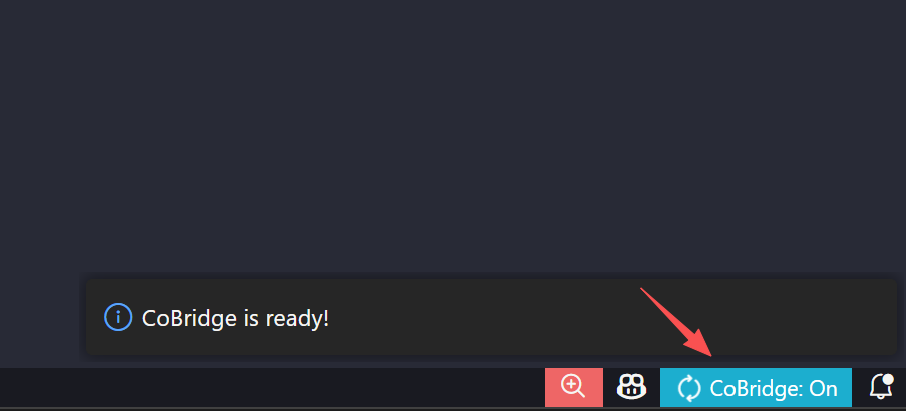
After installation, open any working directory, click the icon on the right and start the server.
Handshake Connection:
- Enable "Context Sync" in Voyager settings.
- Align the port numbers. When you see "IDE Online," they are connected.
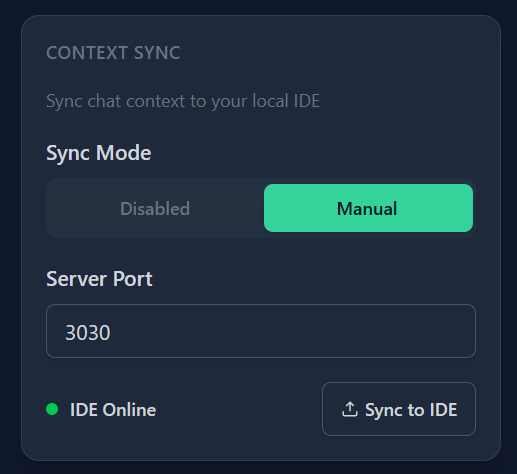
One-Click Sync: Click "Sync to IDE". Whether it's complex data tables or intuitive reference images, everything can be instantly synchronized to your IDE.
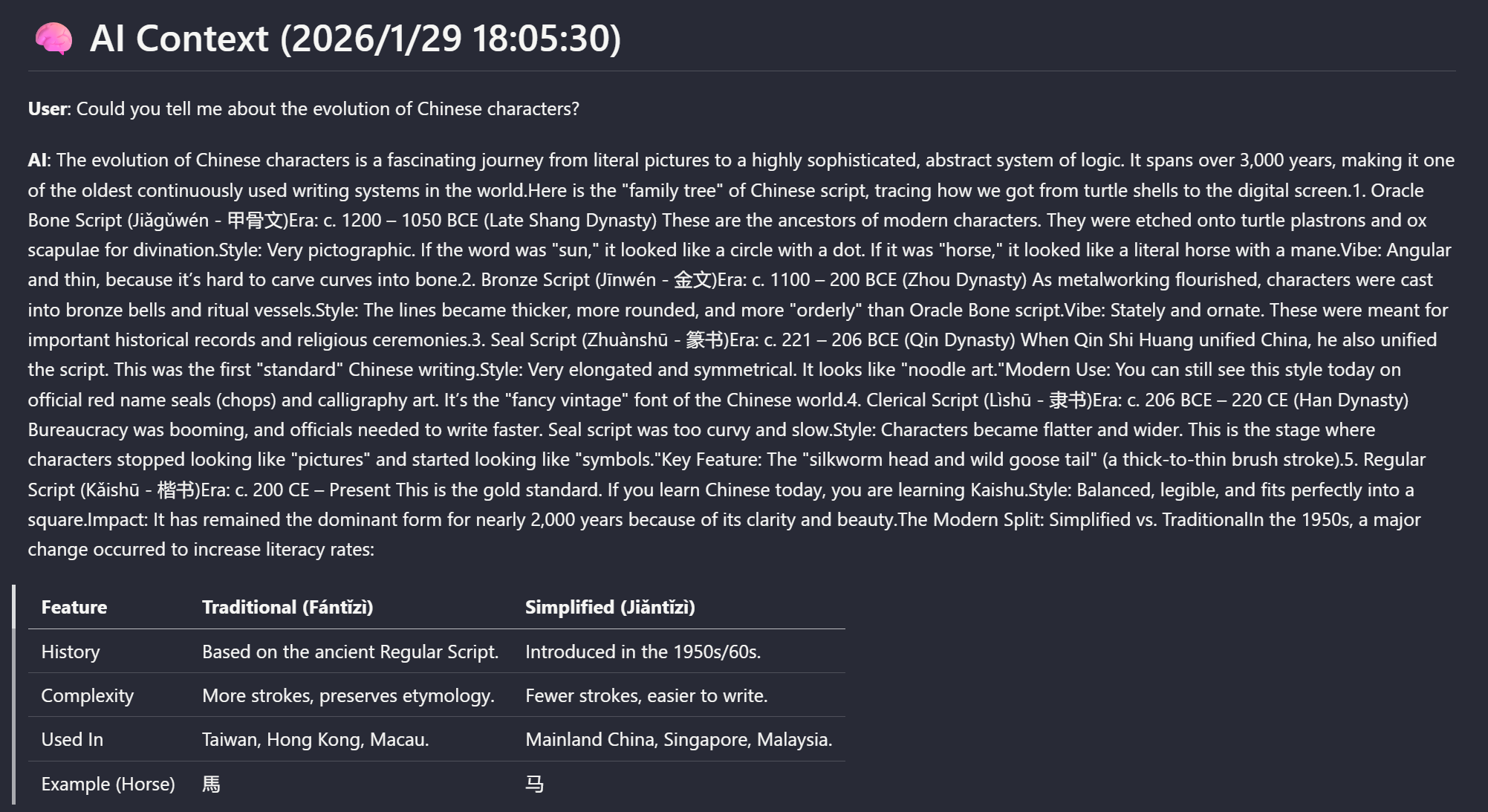
Rooting in the IDE
After synchronization, a .cobridge/AI_CONTEXT.md file will appear in your IDE working directory. Whether it's Trae, Cursor, or Copilot, they will automatically read this "memory" through their respective Rule files.
your-project/
├── .cobridge/
│   ├── images/
│   │   ├── context_img_1_1.png
│   │   └── context_img_1_2.png
│   └── AI_CONTEXT.md
├── .github/
│   └── copilot-instructions.md
├── .gitignore
├── .traerules
└── .cursorrules
Principles
- Zero Pollution: CoBridge automatically handles
.gitignore, ensuring your private conversations are never pushed to Git repositories. - Industry Savvy: Full Markdown format, making it as smooth for the AI in your IDE to read as an instruction manual.
- Pro Tip: If the conversation is from a while ago, scroll up using the [Timeline] first to let the web "remember" the context for better sync results.
Ready for Liftoff
The logic is primed in the cloud; now, let it take root locally.
- Install CoBridge Extension: Find your dimensional portal and activate "synchronized breathing" with a single click.
- Access GitHub Repository: Dive deep into the underlying logic of CoBridge, or give a Star to this "soul-syncing" project.
LLMs will never lose their memory again; ready for action right out of the box.